Securing Jakarta EE Applications with MicroProfile JWT
Securing applications is a critical aspect of modern software development, ensuring that only authorised users can access sensitive functionalities […]
1 minute
Implementing the correct security patterns is a common challenge that most application developers and consultants can get wrong in […]
2 minutes
Payara, a leading provider of Jakarta EE and MicroProfile runtimes, has been authorized by the Common Vulnerabilities and Exposures […]
10 minutes
These days the world-wide open-source community celebrates the advent of Jakarta EE 10. It is then a good time […]
4 minutes
The April 2022 Payara Platform release is here! Payara Platform Community 5.2022.2 brings 13 bug fixes, 2 component upgrades, […]
1 minute
The Remote Code Execution (RCE) vulnerability detected in the Spring Java Framework in March 2022 (tagged as CVE-2022-22965) is […]
1 minute
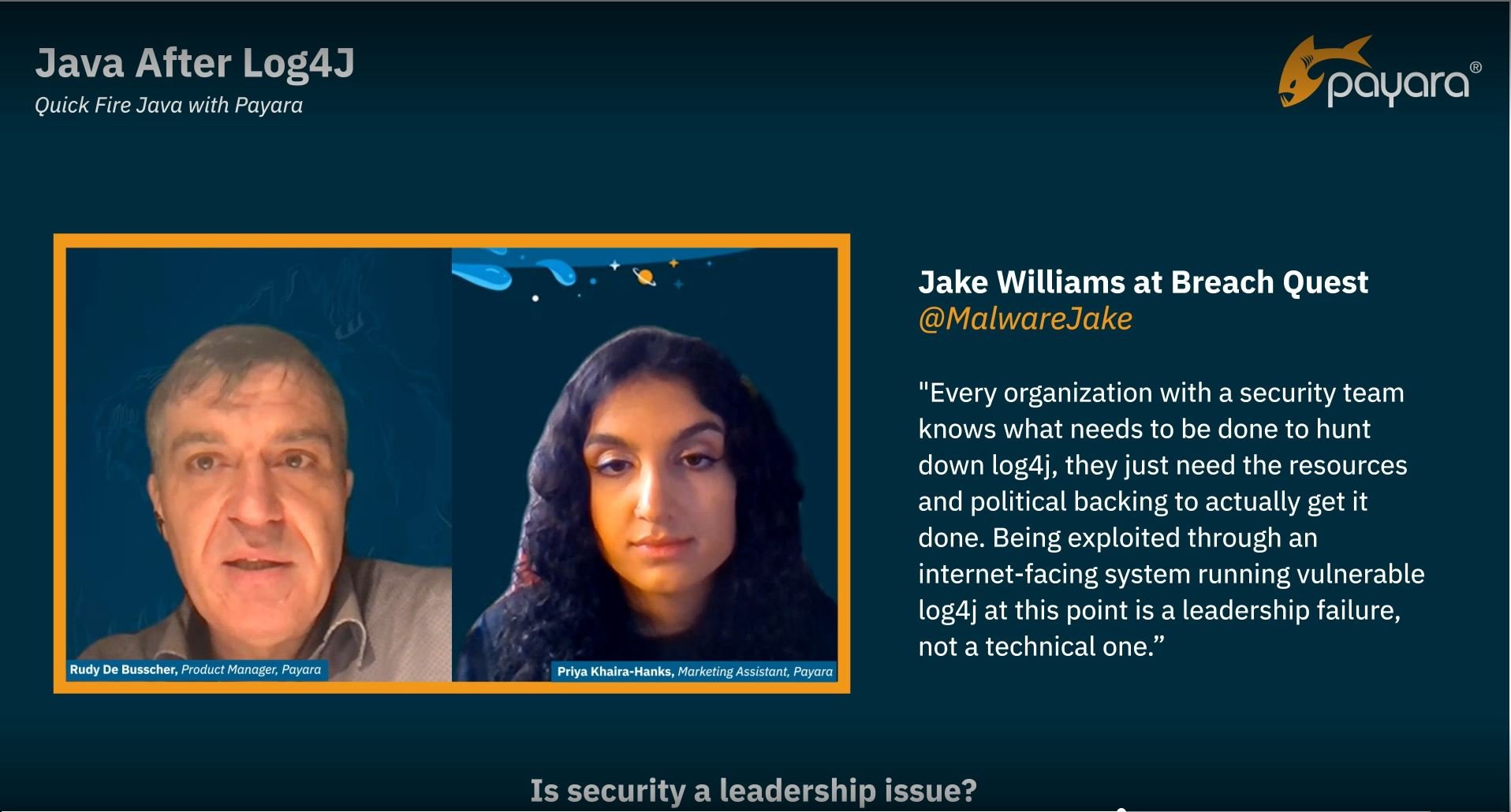
The second episode in our ‘Quick Fire Java’ video series is out! We discuss Log4j, security process and prioritization, […]
7 minutes
A realm is the security policy domain within an application server. It defines how the authentication and authorization for […]
3 minutes
The Client Certificates security extensions continue to receive improvements in this release. In previous releases (July and September 2021) […]
4 minutes
SSL certificates are used for several features within Payara Server. You can configure your custom certificate for the TLS […]
You may have heard the term ‘Internet of Things’ or IoT, referred to with increasing frequency in technology and […]
3 minutes
Payara Serverの管理タスクで最も多いものの1つは、他のWebサーバーと同様に、HTTPプロトコルやPayara Serverへのリモート・アクセスをセキュアにするための電子証明書のセットアップです。皆様は自己署名証明書または信頼できる認証局の署名入り証明書のいずれかをお持ちでしょうが、どちらの場合も証明書をPayara Serverのドメインに追加してセキュアな通信に用いるのはとても簡単です。 {{cta(‘c11b699a-704e-4144-8f8a-6d473cb091c6’)}} このガイドでご説明する手順の概要 新しい電子証明書を用いてPayara Serverをセキュアな構成にする手順はいくつかの段階を踏むことになりますが、大まかには以下のようになります。 このガイドを読み進めるにあたって必要なものは以下の通りです。 SSL証明書の取得 ほとんどの場合、認証局(CA)が作成し署名したSSL証明書を使用することになります。多くの場合、証明書署名要求(CSR)を作成して認証局に送り、認証局からSSL証明書を取得します。Payara Server Enterpriseには、CSRを生成するgenerate-csrコマンドが用意されており、非常に簡単にCSRを生成することができます。また、opensslまたはcertreq を使用してCSRを生成することもできます。 新しい自己署名証明書を使ってこのガイドに従う場合は、Payara Server Enterpriseを使って直接作成するか、opensslなどのサードパーティのツールを使って作成することができます。 Payara Server […]